Your Backup Says It Ran Last Night. What a Restore Test Would Tell You Instead
A completed backup job proves the software finished writing. It does not prove anything comes back, and the gap between those two facts is where first-timers get hurt.
Enzo Battaglia4 min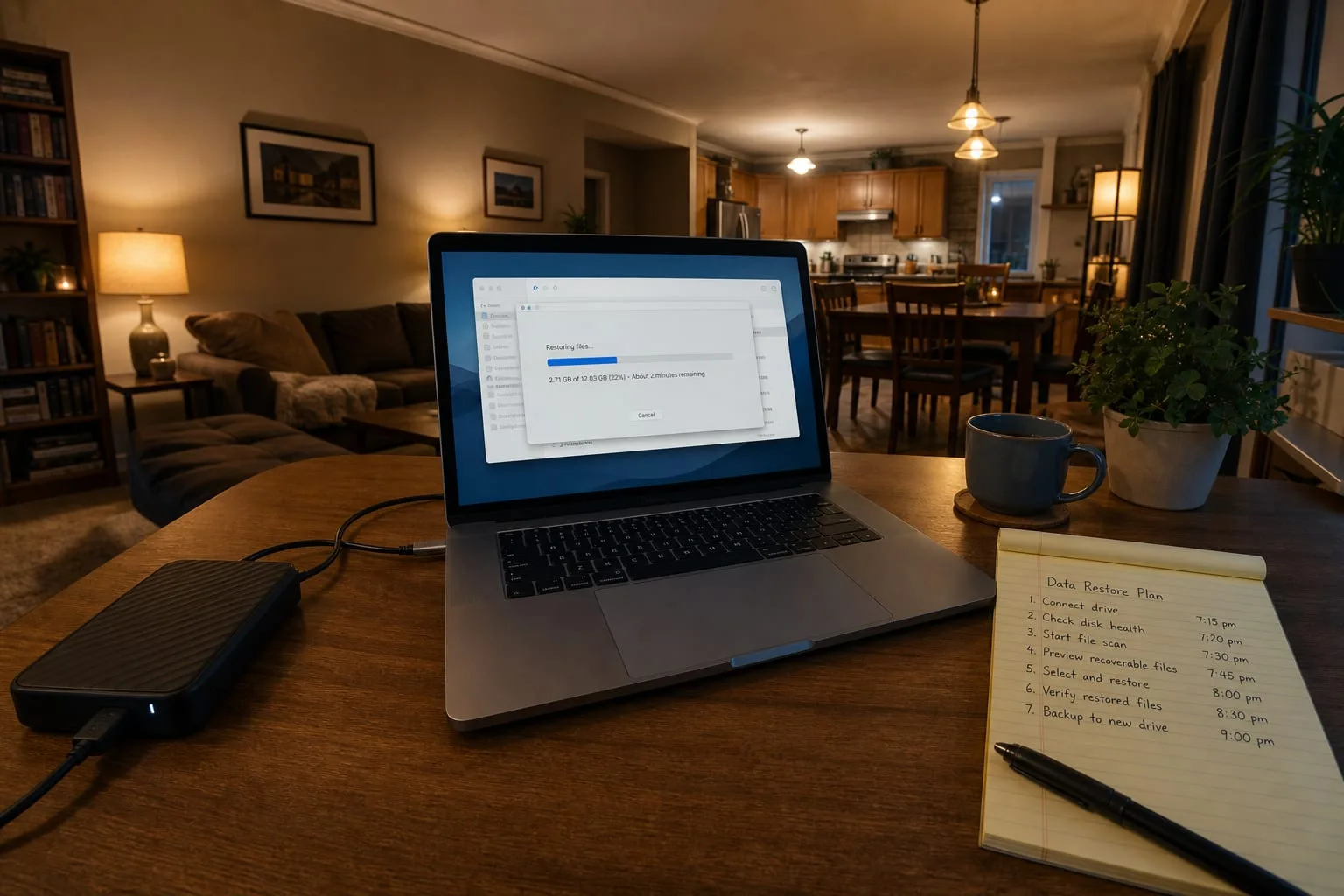
The dashboard is green, the last run finished at 2:14 in the morning, and the retention count says thirty. Most people stop there, and for a long time nothing punishes them for it. What the green mark certifies is narrow: the software opened its destination, wrote what it believed it was supposed to write, and closed cleanly without an error it knew how to recognize. Whether any of that comes back onto a working machine, in a usable form, in an amount of time you could survive, is a separate question that the job log was never designed to answer.
The assumption is that a completed job equals a recoverable copy
Backup software reports on its own activity, which is the honest limit of what it can see. It knows it enumerated a file list, compressed and encrypted the contents, and received an acknowledgment from the destination. It does not know whether the file list included the folder where your accounting data actually lives, whether the database was quiet enough at 2:14 to be captured in a consistent state, or whether the key needed to decrypt the archive exists anywhere outside the machine that just went in the river. First-timers almost always discover this at the worst moment, because the first restore they ever attempt is the one they urgently need.
The National Institute of Standards and Technology is the federal body responsible for the cybersecurity framework most American organizations borrow their vocabulary from, and recovery sits in it as a function of its own, distinct from protection. That separation is the useful idea for a household or a small office. Protecting data and recovering data are different projects, run against different failure modes, and proven by different evidence. A backup you have never restored from is a protection measure with an untested recovery claim attached to it.
What actually fails, in the order it usually fails
The most common failure is scope, and it is dull rather than dramatic. Someone installed the tool, accepted a default profile aimed at Documents and Desktop, and the working data sat somewhere else: a mapped drive, a folder under AppData, a second internal disk, a phone that syncs photos to a service nobody has the password for anymore. Nothing errored, because nothing was asked to. The second failure is credential and key custody, where the archive is fine but the only copy of the passphrase was stored in the browser vault on the dead computer. The third is chain integrity, where an incremental sequence depends on a full image from months ago that was quietly aged out.
Time is the fourth, and it is the one people never model. Restoring 900 gigabytes from a consumer cloud tier over a residential upload-optimized connection is not a morning's work, and the provider is under no obligation to make it fast. If your plan is to be operating again the next day, and the physics of the connection say four days, the plan is wrong even though every backup in it is perfect. Knowing the real number in advance changes what you buy, usually toward keeping a local copy alongside the offsite one.
The test a first-timer can run this week
Start small and get a win. Pick one file you would genuinely miss, delete your convenient copy of it or rename it out of the way, and restore it from the backup to a fresh location. Open it. Confirm the contents are current rather than a stale version from before an edit you remember making. Then escalate: restore an entire folder tree and check the file count and a few timestamps, and finally attempt a full recovery onto spare hardware or a virtual machine, timing the whole thing with a clock rather than an estimate. Write down what you did, what it took, and what you had to look up mid-process.
That written record is the actual output of the exercise, more than the restored file. It tells you which passwords you needed, which of them were stored somewhere that would have been unavailable in a real incident, and how long the sequence takes when you are calm. Repeat it on a schedule you will keep, quarterly for most people, and after any change to the machine, the storage target, or the software.
When to pay someone independent, and what to tell them to look for
If the data has legal, financial, or client exposure attached to it, buy a second look from someone who did not build the setup and does not sell the product. The value is in the brief you write, so be specific. Ask them to perform a restore they choose, not one you stage, to a machine you have not prepared. Ask them to confirm where the encryption keys live and who else can reach them, whether one compromised account can delete both the live data and every copy, whether the retention window actually covers the interval between a corruption and your noticing it, and what the measured recovery time is for the largest single asset. Ask for the evidence, not the conclusion.
A tested restore converts an assumption into a fact you own, and the first one is always the most informative. Everything after it is maintenance.